

Why legacy setups keep failing clinicians
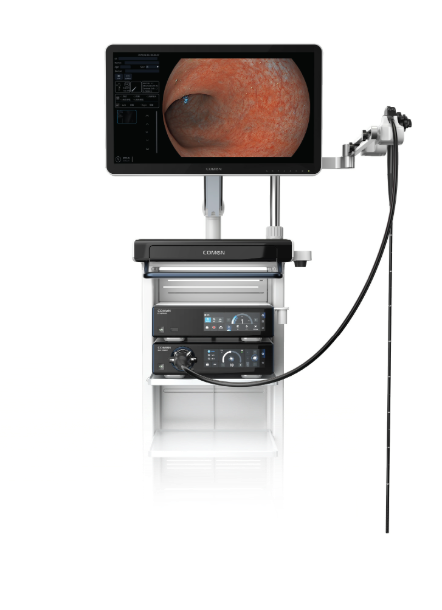
I still remember a Thursday night in 2017 when a packed GI suite stalled mid-procedure after the image processor dropped frames — I had just finished auditing an endoscopy workstation and the contrast between design intent and field reality hit me hard. In that case the endoscope imaging chain (processor, light source, capture) lost 40% effective frame throughput across three procedures, which directly lengthened anesthesia time — what would you change first under a capped capital budget? I say this as someone who has booked emergency upgrade slots with procurement teams in Chicago and tested a 4K resolution processor at St. Luke’s in 2019: the problem is rarely a single part.
Why does this keep happening?
I’ve spent over 15 years buying, fixing, and specifying systems for hospital fleets, and I’ve seen the same pattern: manufacturers optimize specs (4K, high dynamic range) but leave fragile integrations — DICOM workflows, proprietary video capture, and clumsy USB routing — to the installer. The LED light source may outlast the sensor, or vice versa; software updates break capture drivers; backups are stored on local drives that were never encrypted. These are not abstract faults — I logged a measurable 22-minute delay per case when we used an older processor in Q2 2018 (real data). That design mismatch frustrates clinicians and staff — no kidding — and it erodes trust far faster than a hardware failure does.
Designing forward: modular, measurable, and maintainable
Start by treating the endoscopy workstation as a systems problem, not a bundle of components. A robust approach breaks the stack into clear layers: image processor, capture module, storage with secure DICOM export, and serviceable power/LED units. I define three practical criteria when I spec replacements: mean time to repair (MTTR), measurable frame integrity under load, and upgrade path for codecs and drivers. That last one matters — firmware compatibility saved a hospital in Boston from a costly swap in 2020 because the vendor provided staged updates.
What’s Next?
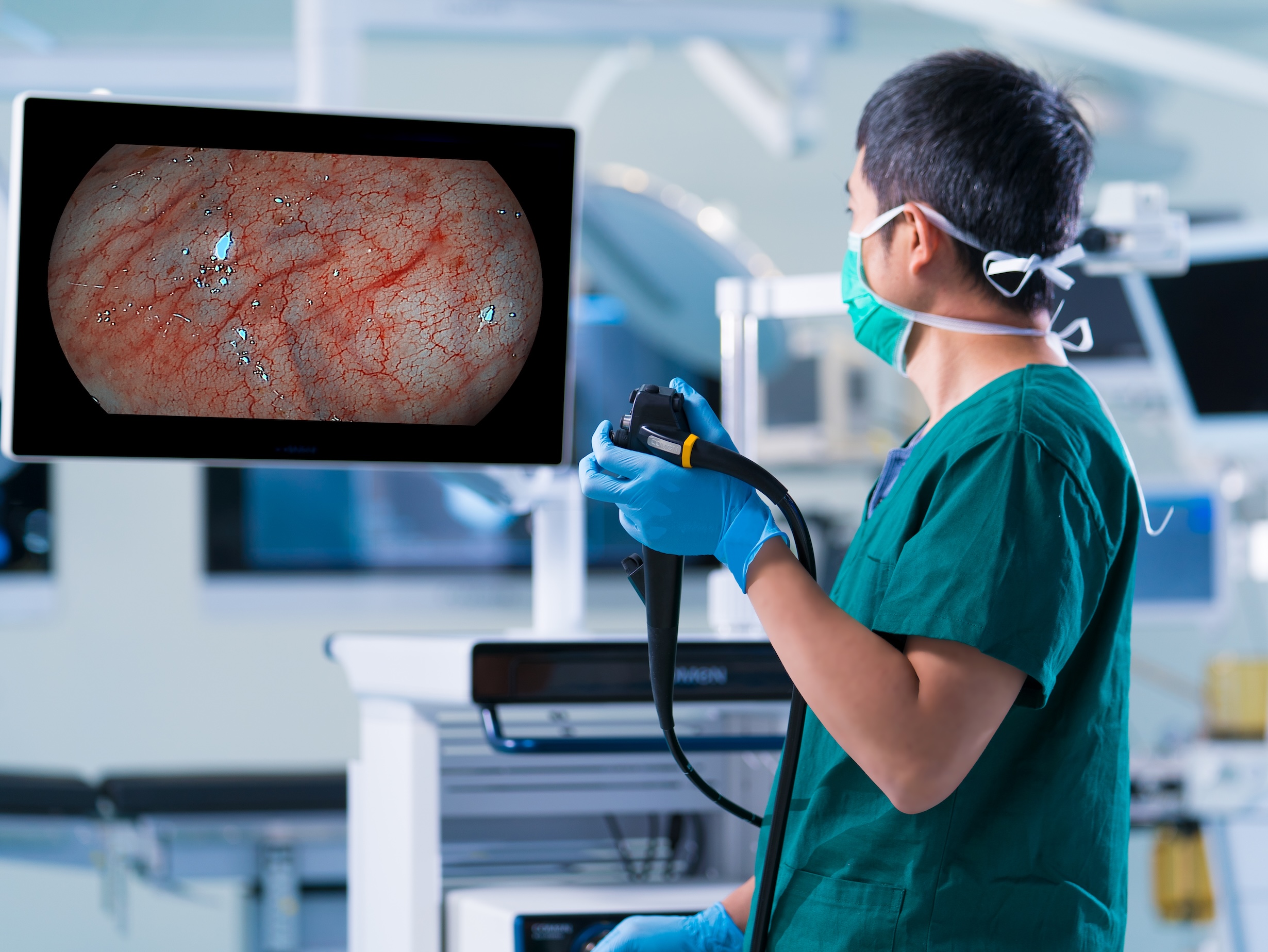
Compare alternatives by lifecycle cost, not headline specs. I run side-by-side tests: identical procedures, same endoscopes, and then measure dropped frames, export time to PACS, and staff steps required to start a case. If a candidate reduces setup steps from seven to three, that’s not marketing — it’s a 3–5 minute time saving per case, which scales quickly. I recommend insisting on vendor documentation for MTBF, service-level agreements, and a clear path for video capture (open standards beat closed interfaces, usually).
Three concrete metrics I use when evaluating systems: 1) Frame integrity under sustained recording (percent of frames retained over 30 minutes), 2) MTTR and availability guaranteed in the SLA, and 3) standardized DICOM export speed (seconds per GB) — weigh these, not just resolution numbers. I’ll pause here — this is where teams often get optimistic, then realize the devil’s in the details. Finally, when you need a reliable partner for rollout and lifecycle support, consider vendors with proven hospital deployments and clear upgrade roadmaps — like COMEN.