
Introduction: When a Sign Does More Than Show a Name
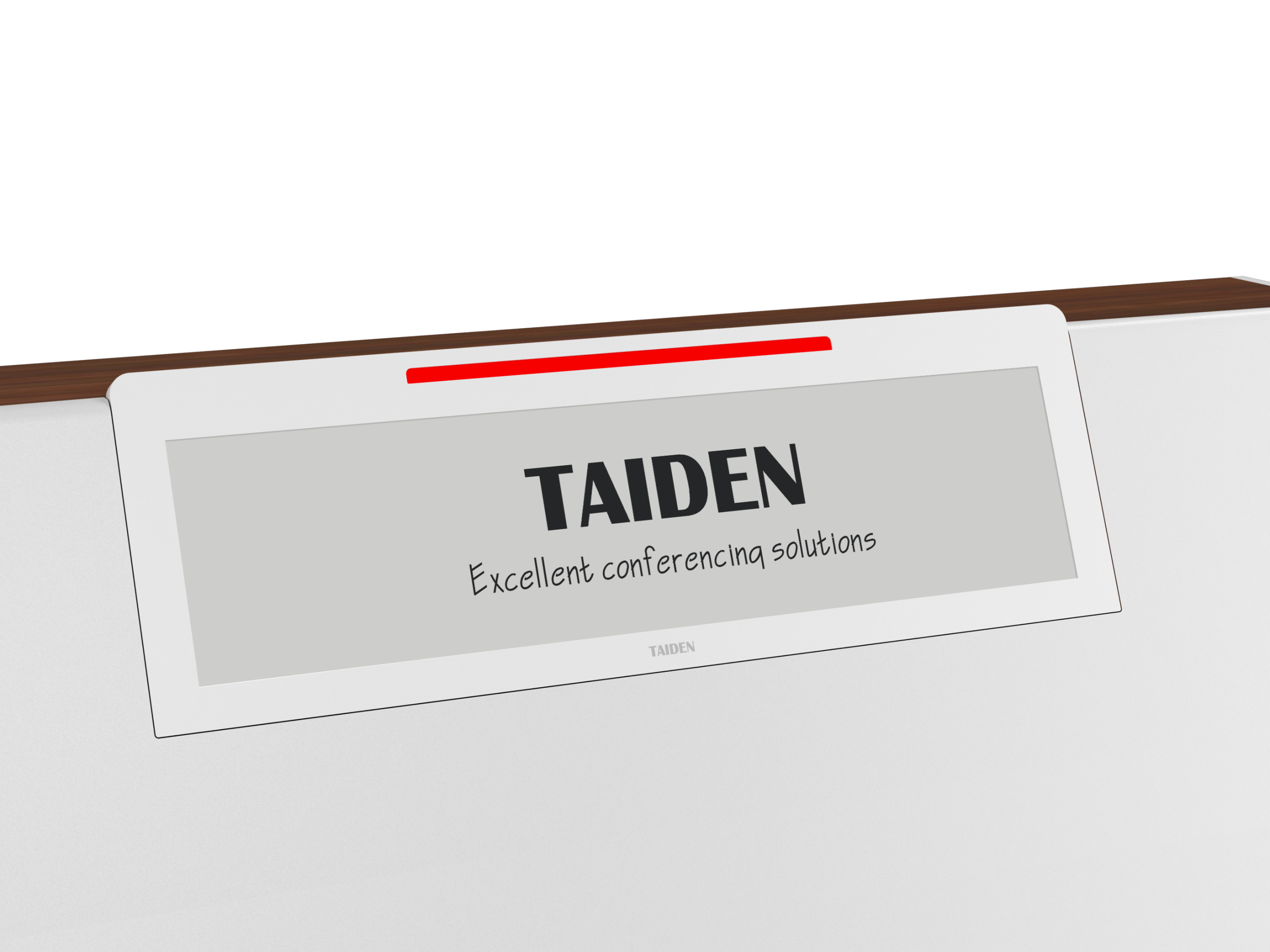
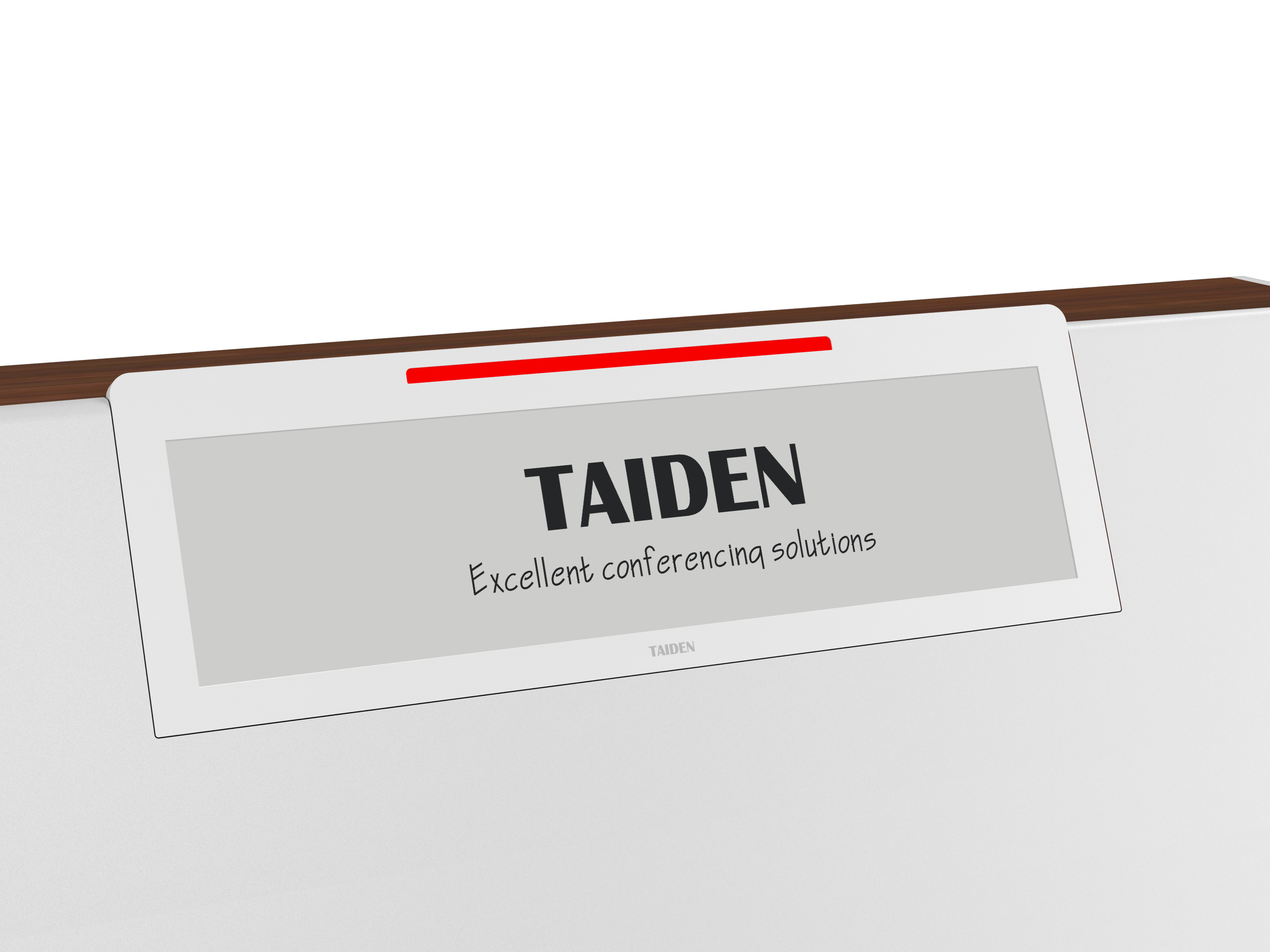
A client checks into a conference and the room sign changes before their eyes—no fuss, no cords. That tiny panel is a digital name plate. Now scale that to a venue with hundreds of rooms. Teams swap names, schedules, and logos all day. One regional center we studied logged 240+ updates per week and burned through more than 200 staff hours a month just keeping signs current—wild, right? So here’s the real question: why do some spaces still fight with paper or power-hungry screens when better tools exist (and cost less over time)? If you’ve ever taped a printout over an old plaque, you know the pain. If you’ve ever replaced batteries row by row, you really know it.
Let’s zoom in on what makes the difference—and where the hidden friction lives—before we look ahead.
Under the Hood: The Real Cost of “Good Enough” Displays
Why do old fixes fall short?
From a systems view, a color e ink display uses tiny charged pigments that move with an electric field. Once a pixel lands, it holds the image without power. That bi-stable trick cuts energy use and heat, and it keeps glare low. By contrast, LCDs need a backlight and constant draw. That means more heat, more cables, and bigger power converters. Paper looks cheap, but labor isn’t. Every manual swap is a tiny project with errors, smudges, and lag.
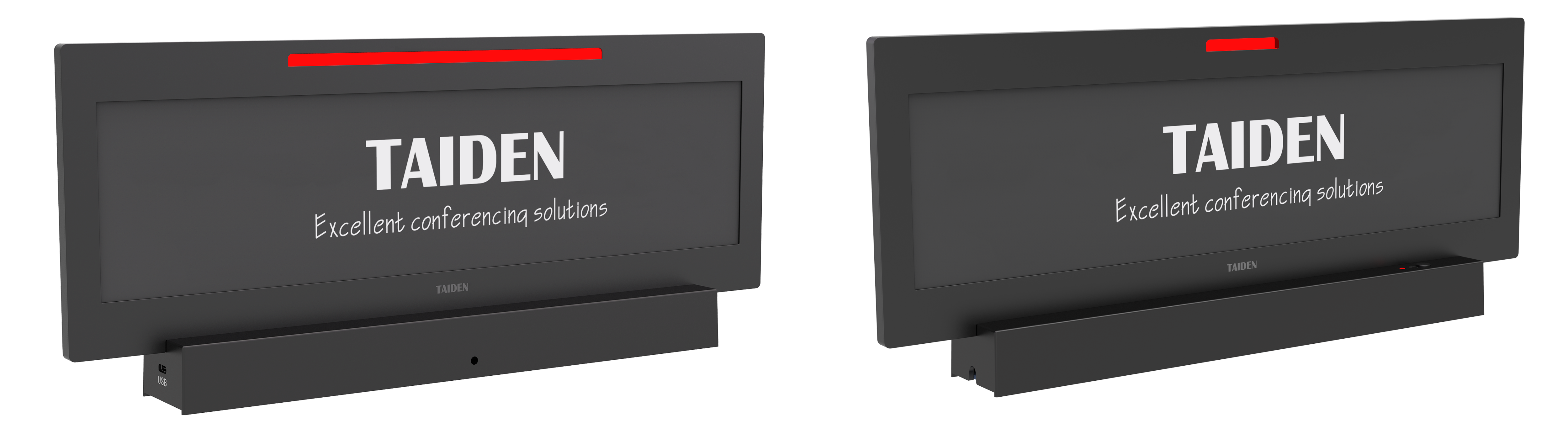
Look, it’s simpler than you think: most pain comes from refresh cycles and wiring. Legacy signs push every change over Wi‑Fi at busy times. That hits latency and bandwidth ceilings. In crowded halls, that’s a mess—funny how that works, right? Modern ePaper can update on a timed schedule, use a low refresh rate for text, and burst only when images change. Add a BLE mesh to cut backhaul spikes and let edge computing nodes cache files near the room. You get steady updates, fewer dead spots, and longer battery life. Plus, with an ambient light sensor, colors stay readable without cranking brightness. Less glare. Less drain. Fewer surprises.
Comparative Insight: What’s Next and Why It Matters
What’s Next
Let’s compare where it’s headed. New color ePaper blends cyan, magenta, yellow, and black particles with a front light, not a backlight, so text and logos pop without a power tax. The principle is simple: hold state, sip power, update when asked. Pair that with smart gateways and OTA updates, and your fleet acts like one system. A modern digital nameplate can run on coin cells for months, even years, because it isn’t “on” in the old sense. It wakes, shifts, and sleeps. Fewer cables, fewer wall drills, fewer tickets. In pilots, venues cut service calls by a third, and scheduling errors fell because displays pulled clean data at the edge. Different day, different message, same calm hardware.
So, what did we learn? Thin power budgets work when you trim chatter on the network. Design for low duty cycles. Cache content near the room. Compared to paper or LCD, you dodge constant reprints and backlight glare, and you avoid heat and wiring runs that slow approvals. If you’re choosing a platform, keep it simple and measurable. Advisory notes: judge (1) battery life under real refresh rates, not lab demos; (2) network strategy—mesh vs. direct, and how it handles congestion; (3) device management—firmware rollback, role-based access, and clear OTA logs. Get those right and the rest feels easy—almost boring. That’s the goal. For further reading and solid examples, see TAIDEN.