User-first opening
If you’re adding jaw motion tracking to routine care, you want clear steps that protect patients and don’t get in the way of daily work. Start by mapping where data is created, moved, and stored — from the intraoral sensor to the planning station and any cloud backup. If you plan to pair motion capture with a dental resin 3d printer for prosthetic testing, note that the scan files and motion logs are different data types and need distinct handling right away.

What patients expect and what you must deliver
Patients expect their health information to stay private and to be told what you’ll do with it. Tell them plainly which motion recordings you’ll keep, why you keep them, and how long they’ll be retained. Use simple consent language that lists the concrete uses — diagnosis, device fitting, remote review — and avoid vague legalese. That clarity reduces follow-up questions and builds trust fast.
How data flows in a jaw motion + 3D printing workflow
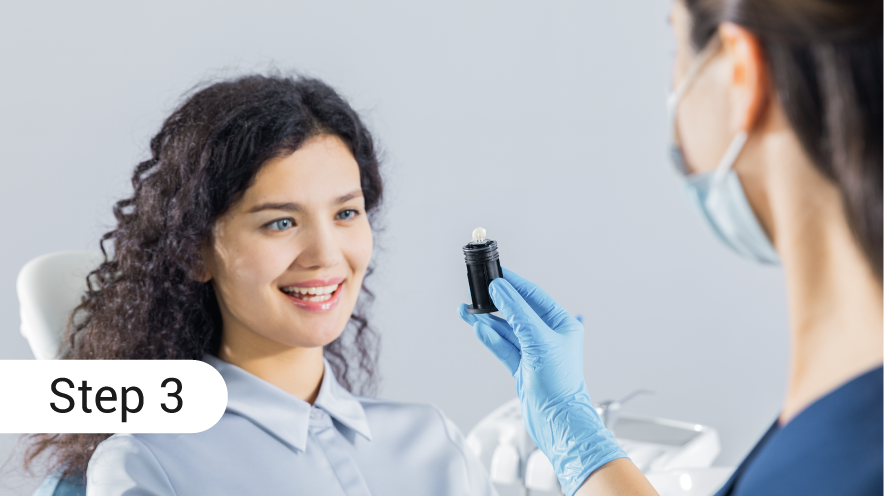
Think of the workflow as steps you can secure: capture (motion sensors, optical trackers), transfer (USB, local network, Wi‑Fi), processing (workstation software), storage (local server or cloud), and output (3D print files). Each handoff is a potential leak. Mark every device that connects to your network, require strong passwords, and separate clinical devices from guest Wi‑Fi so patient files don’t cross into public space.
Common mistakes clinics make
Teams often assume a device vendor protects data end-to-end — they don’t. Other frequent issues: leaving temporary motion files on shared drives, skipping encryption on laptops used offsite, and using default admin credentials on printers or routers. Too many copies of the same project get scattered across desktops and phones. Limit file copies, name files consistently, and delete interim versions you don’t need.
Technical controls that actually help
Encrypt storage and backups, enable full-disk encryption on workstations, and require multi-factor authentication for cloud portals. Use role-based access so only the clinician and assigned technician can open raw motion logs. If you use a cloud processing vendor, confirm they support end-to-end TLS and that you control the decryption keys where possible. Keep software patched and schedule routine audits of who accessed which case files.
Staff processes and patient communication
Train staff to follow a short checklist: verify patient consent, confirm device ID before capture, save files to the designated secure folder, and log the case. Make it easy — a laminated card near the capture station works. Tell patients what you’ll keep and for how long; give them a contact person for privacy questions. Consistent small habits prevent most privacy problems.
Real-world anchor and choice of equipment
A Minneapolis restorative lab I reviewed recently kept clinical files segregated from general business drives and used dedicated workstations for motion processing; that separation made audits quick and limited exposure when a laptop was lost. For clinics deciding which hardware to pair with motion tracking, reviewing how a resin 3d printer dental integrates into an isolated workflow is a sensible step — assess file formats, local vs cloud slicing, and whether the printer can be placed on a protected subnet.
Alternatives and small-scale approaches
If full cloud services feel risky, start with a hybrid model: local processing for sensitive motion logs and optional cloud backup for non-identifiable STL outputs. For very small practices, an on-premise NAS with encryption and scheduled offsite encrypted backups keeps control close. Test restoration procedures regularly so backups are actually usable when needed.
Quick checklist before you go live
1) Map devices and data pathways. 2) Update consent forms with precise uses. 3) Enable encryption and MFA. 4) Train staff on a one-sheet capture checklist. 5) Limit copies and set retention schedules. 6) Confirm vendor security claims in writing. Follow these steps and you’ll reduce risk without slowing patient care.
Synthesis and practical next step
Protecting jaw motion data is straightforward when you put the user — clinician, technician, and patient — at the center of decisions. Map the workflow, tighten the touchpoints, and pick equipment and vendors that fit the containment you need; for teams moving from pilot to daily use, systems from SHINING 3D DENTAL can be part of a contained workflow that simplifies file handling and keeps patient data manageable.