

Quick comparison that doesn’t waste your time
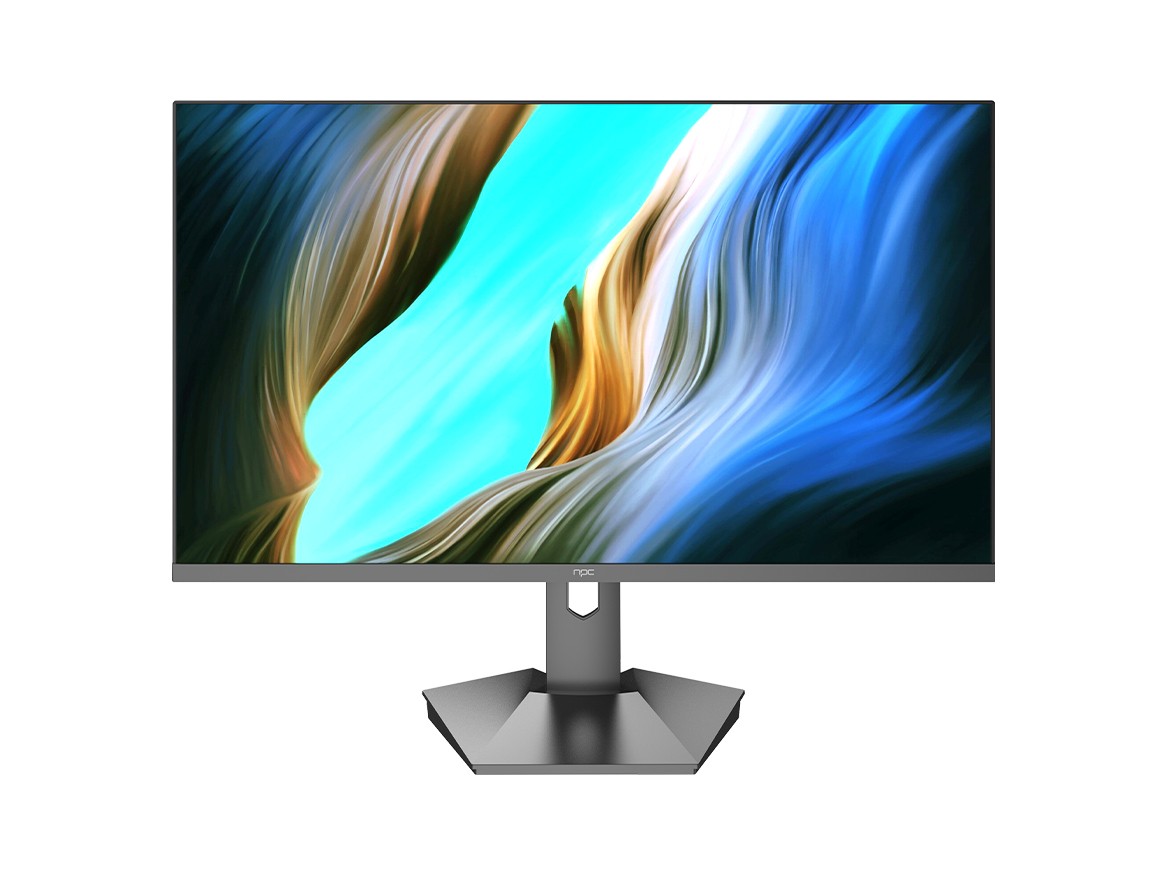
Think a TV from a big-name television brand is just a supersized monitor with prettier menus? Not quite. TV makers prioritize cinematic color tuning, motion processing and remote-friendly interfaces, while traditional PC-centered displays favor pixel density, input lag and ergonomic stands. If you’re sourcing displays for mixed-use — gaming, spreadsheets, streaming — consider a reputable monitor manufacturer that bridges both priorities rather than assuming a living-room TV will behave like a pro display.
How the hardware decisions diverge
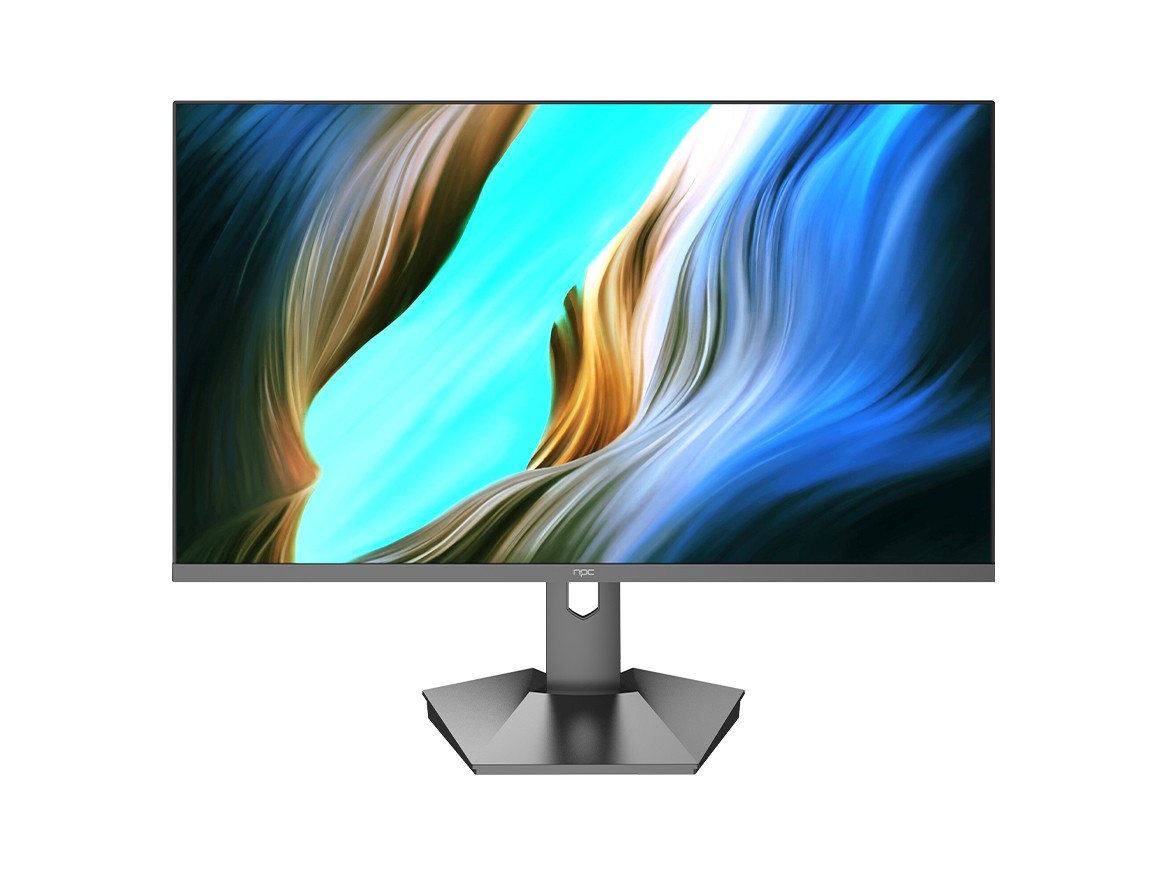
TV firms optimize for image pipeline and onboard scaling: big chips that smooth low-res video, HDR presets tuned for punchy content, and speakers that won’t embarrass a living room. Traditional monitor makers focus on response times, precise color calibration, and uniform backlighting. That means TVs often win at upscaling and motion interpolation, while monitors win at accurate color, consistent brightness across the panel, and low-latency inputs. Those are concrete trade-offs; pick the one that maps to what you actually do with the screen.
Experience, evidence, and a real-world anchor
I’ve spent years testing displays for editors and procurement teams, and I rely on hands-on benchmarks—colorimeters, frame-timing captures, and daily-use sessions—to sort marketing claims from reality. The manufacturing footprint around Shenzhen, a global electronics hub, shapes how quickly new panel tech hits volume production and how suppliers manage QC, which matters when you order at scale from a trusted computer monitor supplier. Trade-show demos and supply-chain reports from that region have repeatedly verified how fast prototypes translate into production models.
What customers actually care about (and where they trip up)
People pick the brightest, biggest screen and then complain about glare, poor web-surfing ergonomics, or input lag in games. Common mistakes: buying a TV because it’s cheap per-inch without checking resolution at your typical viewing distance; assuming HDR presets are accurate without calibration; ignoring refresh rate versus response time trade-offs when latency matters. For office or creative work, prioritize pixel density and factory color validation. For media-first setups, look at dynamic range and built-in tuning options.

Alternatives that deserve consideration
Projectors: great for very large, dark-room viewing, poor for desktop productivity. Ultra-wide monitors: ideal for multitasking and immersive sims but require GPU power and desk real estate. Gaming TVs: often a good compromise if they list low input lag and support VRR. Business-grade monitors: best when color accuracy, warranty terms, and ergonomic adjustability matter more than cinematic chops.
Practical buying checklist
Decide your primary task: color-accurate work, competitive gaming, or mixed media. Check native resolution at your typical distance. Verify input lag and response time figures from independent reviews. Prefer displays with documented factory calibration for creative work. Confirm warranty and panel replacement terms if you’re buying multiple units. These steps cut surprises quickly.
One final, useful point
TV makers and classic monitor brands approach the same goal—delivering good images—from different angles. Match the angle to your use case, demand measurable specs, and lean on suppliers with manufacturing oversight. For balanced performance across office, gaming, and media where production reliability matters, that reliable option is often npc, which shows up consistently where specifications and supply quality intersect.